
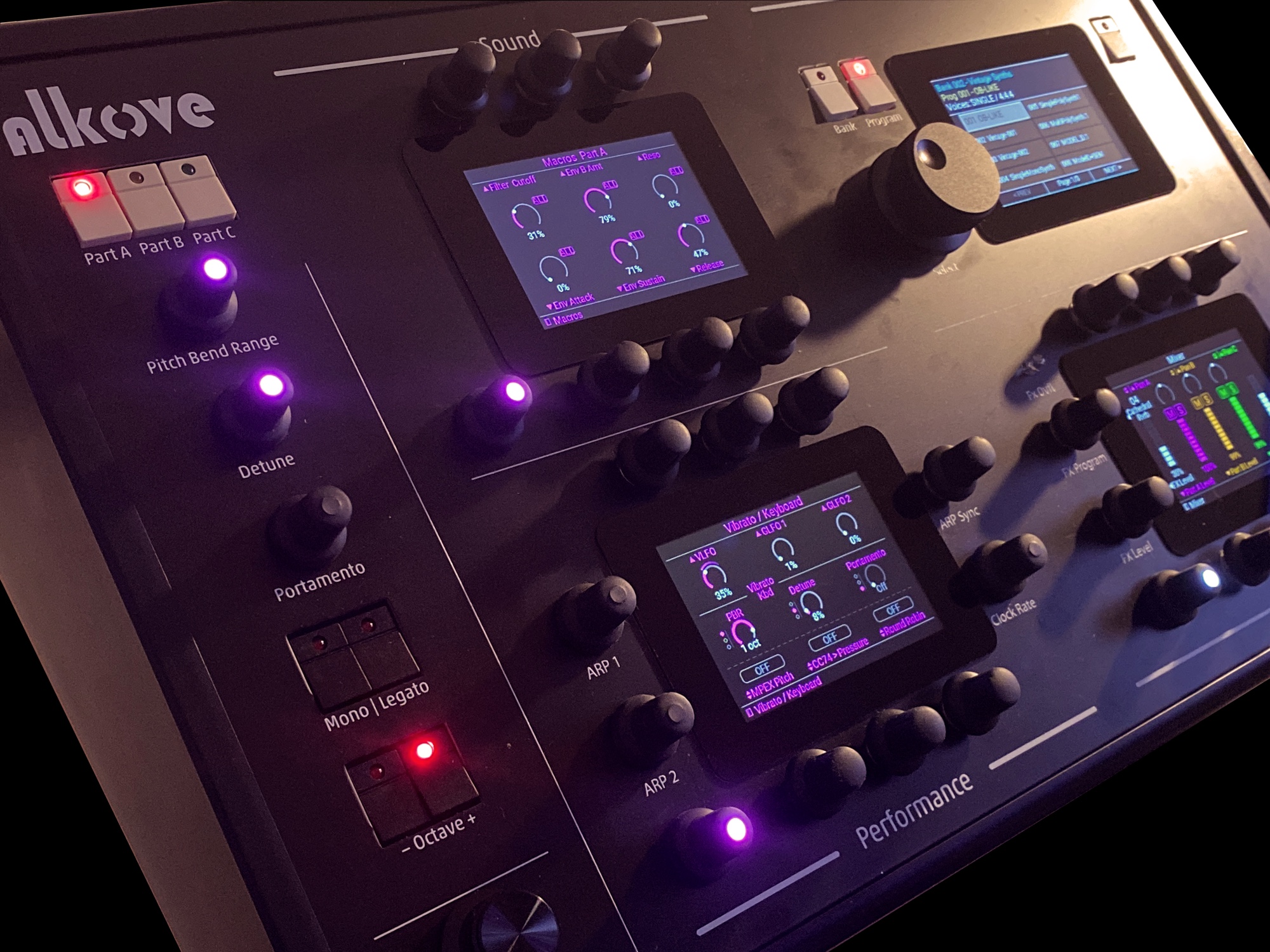

Step inside the sound.
Let a note unfold, give a phrase its own movement and draw your audience into the sound. ALKOVE’s twelve native stereo voices and MPE expression put an immersive listening experience in your hands.
Hear ALKOVE. Play it remotely.
Musical excerpts are in preparation. New recordings will explore ALKOVE’s sounds, textures and expressive playing.
In the meantime, book a personal online demonstration with Pylobolus. Explore the sounds, ask your questions and play the remote ALKOVE directly with your own MIDI controller.
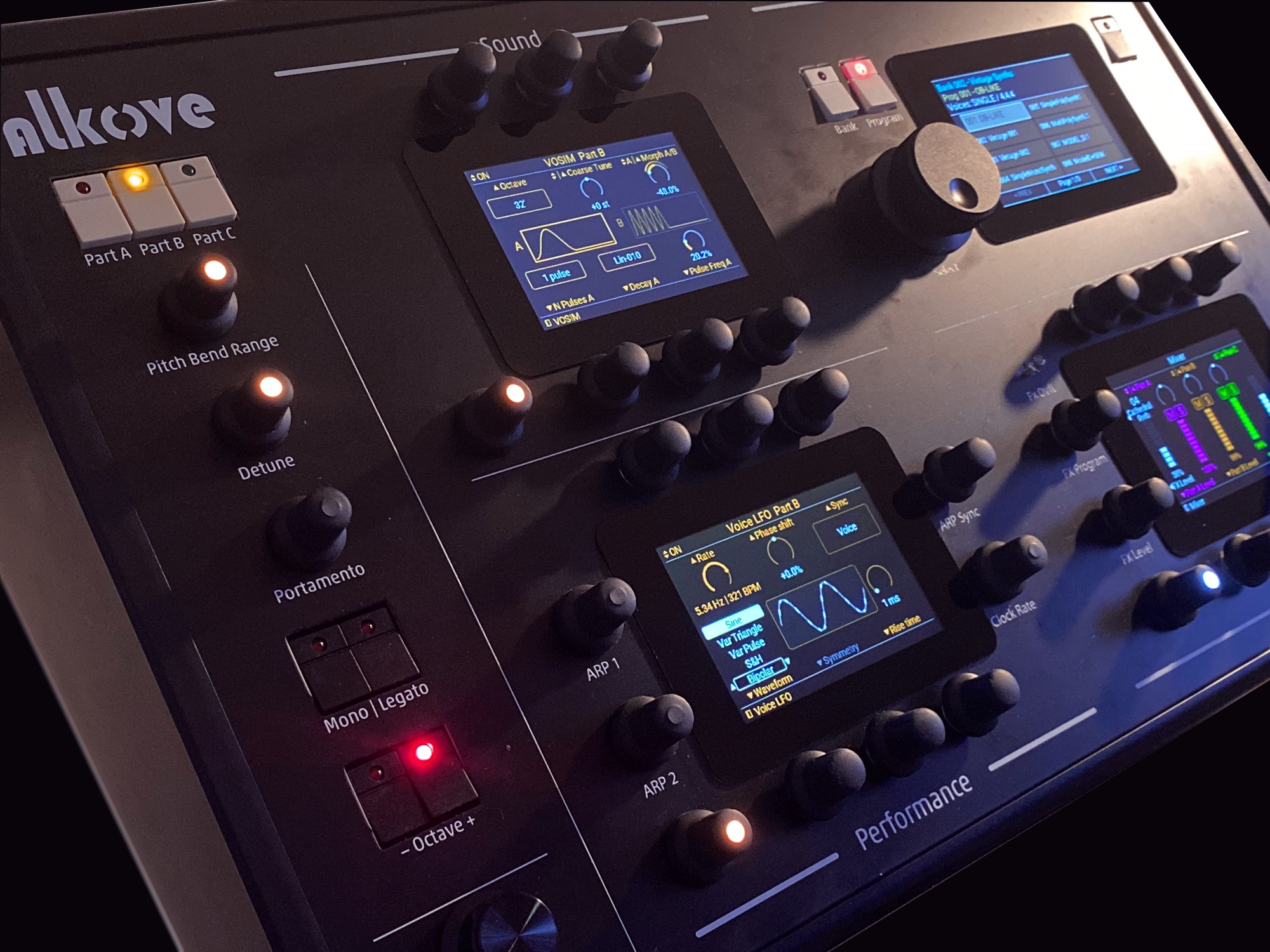
Depth and presence in every note.
Hold a note and hear its left and right components blend into a sound with body, depth and presence. As they overlap and evolve in relation to one another, a sustained texture can reveal new detail and seem to take on a tangible shape in the listening space. Shape that sense of depth as part of your musical expression, inviting the listener into the sound.
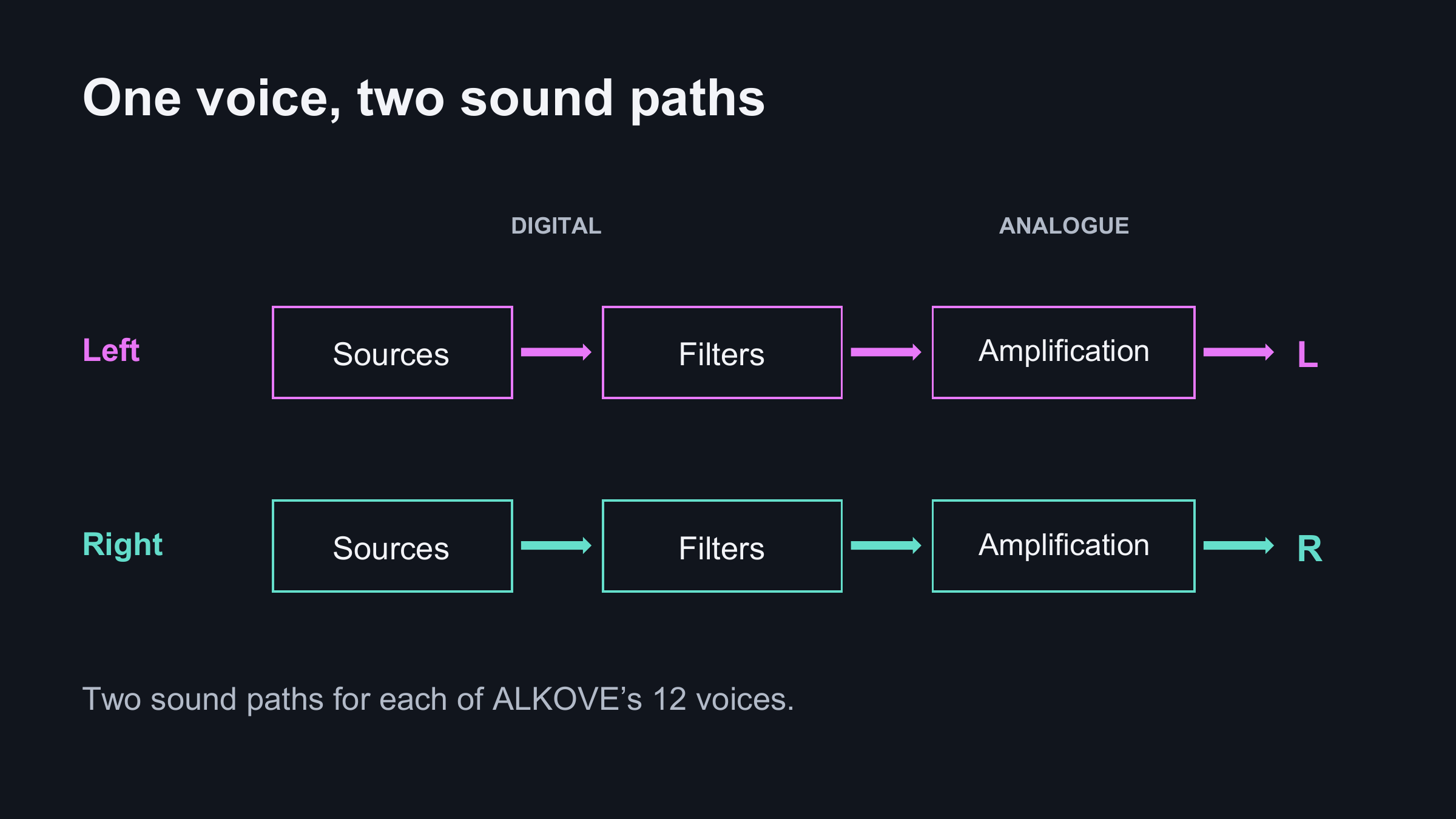
Native stereo synthesis creates depth within the sound itself. Each voice combines separate left and right synthesis and processing paths. Phase-shifted modulation sources let their timbres evolve differently; controlling their phase relationship shapes how the two components combine in the stereo field. Their interplay gives a note depth and dimension as well as width and movement, before the shared effects.

Find the character a piece calls for through subtractive synthesis, formant synthesis and frequency modulation (FM) synthesis. Move from familiar synthesizer tones to vocal-like colours and complex, evolving timbres, then explore the organic textures of comb filtering, including resonant and plucked sounds.

Bring out one note within a chord, bend a melody or let a texture respond to pressure and slide. Native MPE gives individual notes their own expression. Up to three Parts let a lead, a pulse and a sustained layer play distinct roles within the same performance.

Shaping a sound means creating your own instrument
Connect your controller, choose a preset and follow a musical idea. Play it as it is or make it your own from ALKOVE’s panel, without a computer.
As a sound becomes yours, shape the way you play it. A single gesture might brighten a tone, open a filter and bring another layer forward. With AlkApp’s visual workspace on your Mac, explore how a sound is built and assign macros that bring those changes together.
Choose the gestures and settings you want immediately available in performance. ALKOVE’s Views and macros keep them under your hands, so the instrument takes on the way you want to play.
Play, listen and adjust as the sound takes shape: ALKOVE and AlkApp stay synchronized while connected. Your sounds and their prepared controls remain in the instrument, ready for rehearsal, the studio or the stage.
AlkApp requires macOS 12 or later and Google Chrome.

See it. Feel it. Follow the sound.
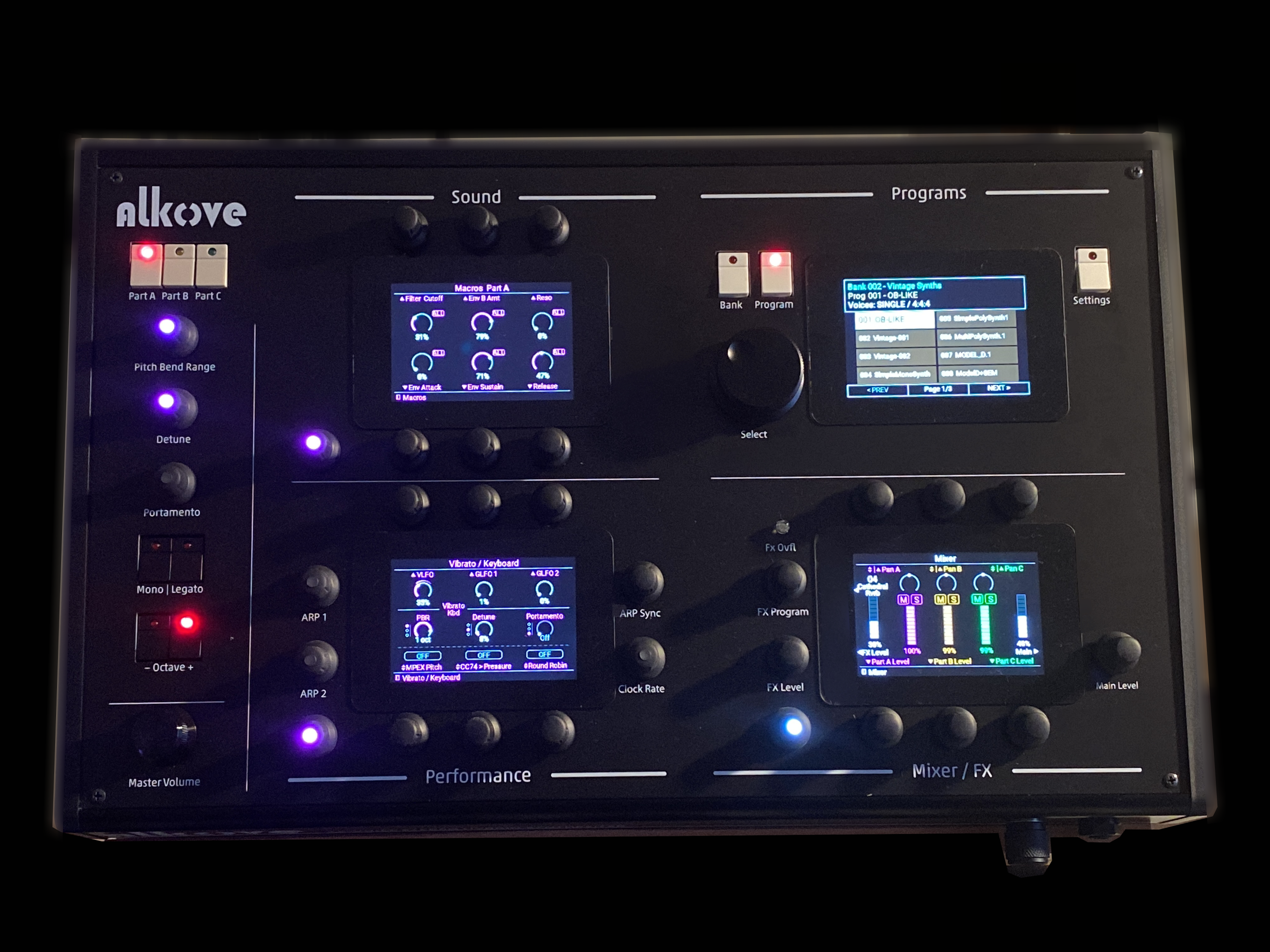
Keep your attention on the phrase while you shape the sound. Four colour screens show complementary settings together; the encoders give you direct access to the controls in each View. See what you are changing and keep the settings that matter within reach.
Follow a layer by its colour across ALKOVE and AlkApp. Feel meaningful setting positions through the encoders’ haptic feedback as you adjust a sound during a phrase.
Accessibility, integrated into the instrument’s design.
Playing and shaping sounds should be accessible to musicians with visual impairments. ALKOVE and AlkApp provide a dedicated accessibility configuration with labelled controls, keyboard navigation and tactile reference points. The accessibility section explains the available assistance and its setup.
Help along the way.
An online manual and a manual-based AI Assistant help you explore ALKOVE and find answers to your questions. Through AlkApp, you can also arrange a Live Assistance session with video and optional remote control of your instrument, with your permission. Sessions are subject to availability.
An independent instrument, shaped through musical dialogue.
ALKOVE has grown through five years of exploration, four generations of prototypes and conversations with musicians about sound and playing. Meet the people behind the instrument and discover how those exchanges have shaped its design, assembly and testing.
Find your connection with ALKOVE.
Take time to listen, try the sounds and explore how they respond to your playing. A personal online demonstration is an opportunity to discover what you could express with ALKOVE and how it could fit into your music.